WebComforts
Premium SEO Tool

Website SEO Audit

Crawl your website and detect technical SEO issues, missing tags, and AI visibility gaps — instantly.

Title & Meta H1 & Headings HTTPS Image Alt robots.txt & Sitemap Open Graph Analytics & GTM AI Visibility
Crawls completed 7 days
61.4K
Issues discovered 7 days
815.9K
Top 10% websites 7 days
96%
Avg site health 7 days
79%

You can change the number of pages to crawl from here.

Plan: Guest Pages today: 0 / 50 Crawls today: 0 / 5 Resets in 8h 31m 26s

No projects yet!

Enter your website URL above to start your first audit.

Websites of the day

Highest Site Health websites from the recent audits.

  1. 1 codeorigins.am 100%
  2. 2 kvtpakistan.com 100%
  3. 3 kdicislamabad.com 100%
  4. 4 thebeachhouse-carabao.laravel.cloud 100%
  5. 5 medkaebook.com 100%

Average Website Health by Country

Highest average Site Health from the last 24 hours

  1. 1 Sri Lanka 100%
  2. 2 United Arab Emirates 98%
  3. 3 Hong Kong SAR China 94%
  4. 4 Singapore 93%
  5. 5 United Kingdom 91%
New 4.7
★★★★★★★★★★ 46 reviews

Stay Healthy. Get Recommended.

If search and AI engines can’t properly crawl and understand your site, they may not recommend it.

Cartoon website with a laptop screen for a face skipping rope, staying healthy for search and AI

Keep Your Enemies Closer 🙂

Check what your competitors are doing regularly and keep your website one step ahead.

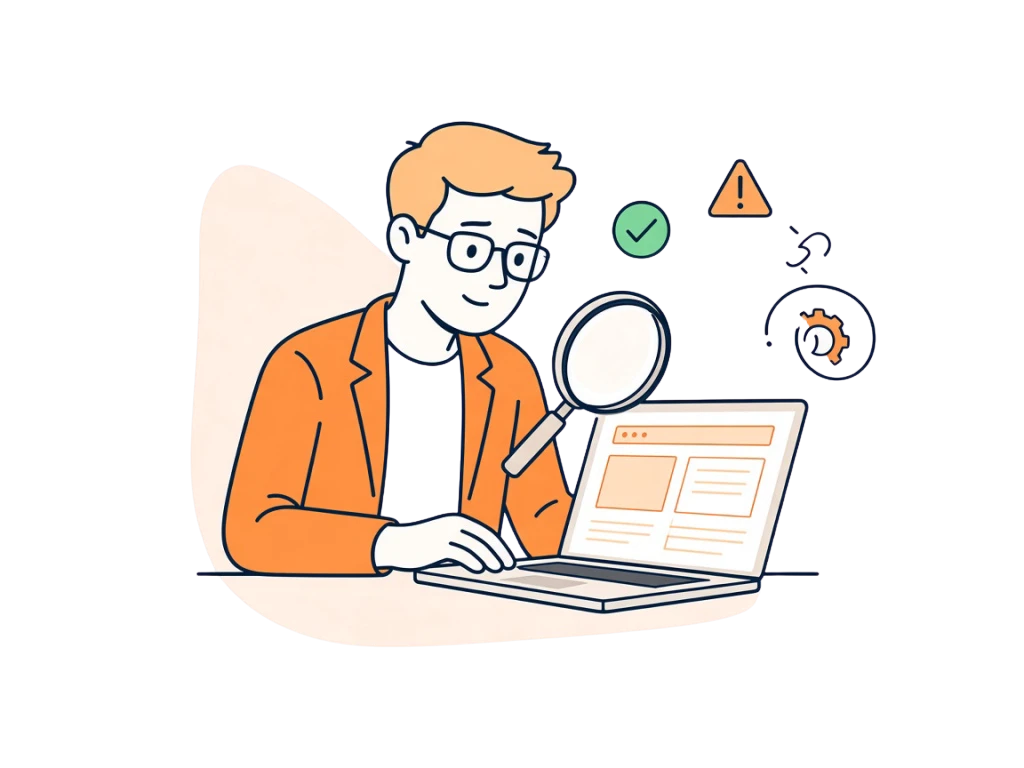
Website owner reviewing a website SEO audit on a laptop, with page checks and issues highlighted

Everyone’s on Their Phone 📱

Think Mobile First. Make sure your website is easy to read, navigate, and use on mobile devices.

Everyone’s on Their Phone 📱

Don't Forget AI Search

Make your content clear, well-structured, and trustworthy so traditional search engines and AI-powered search can understand and recommend it.

Don't Forget AI Search

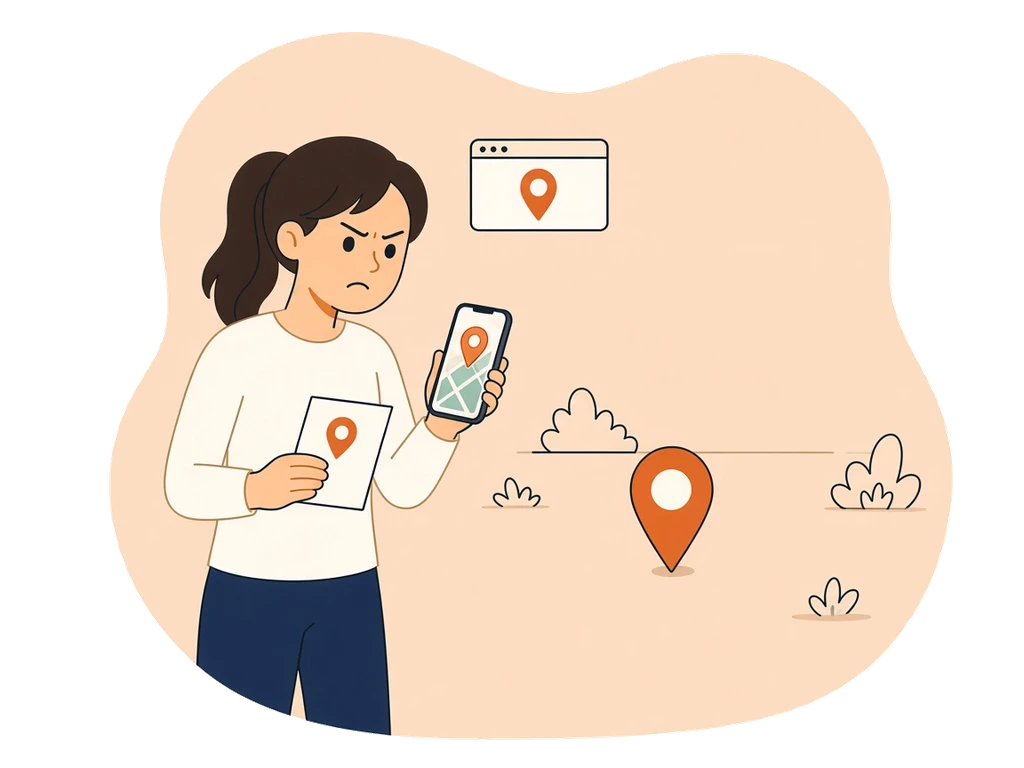
Don’t Play Hide & Seek 📍

Keep your business details accurate and consistent across Google Business Profile and other important local listings.

Don’t Play Hide & Seek 📍

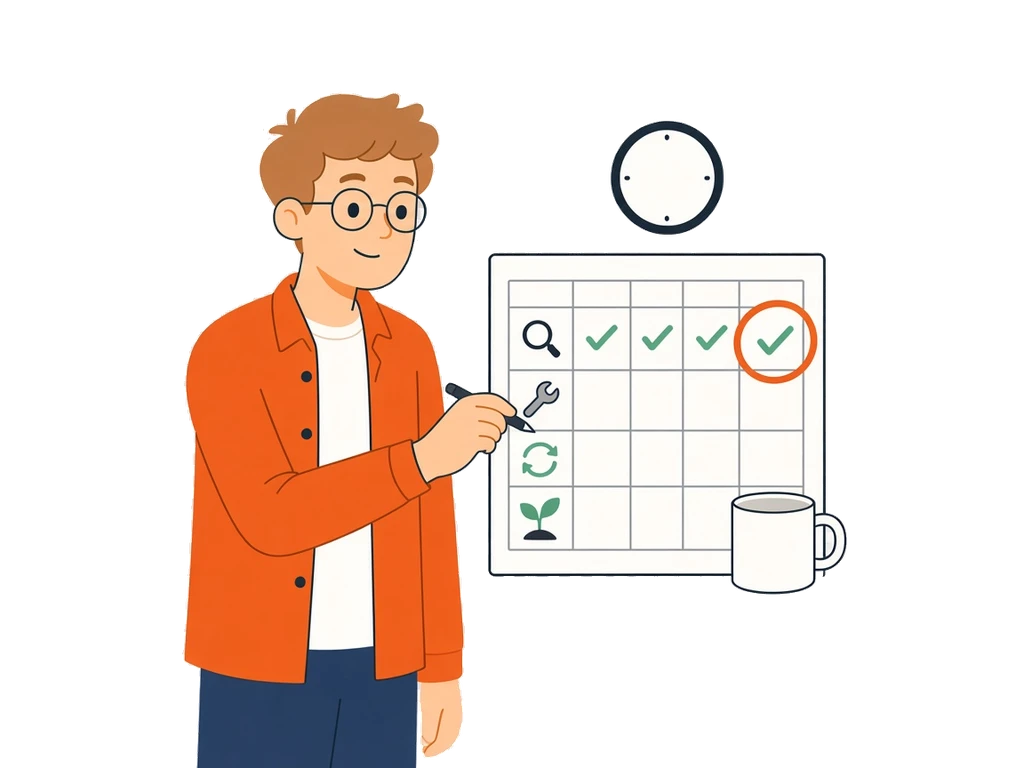
Stop thinking. Start Doing

Set a daily SEO timetable and stick to it. Check, fix, update, and improve your website regularly.

Stop thinking. Start Doing

How Our Site Audit Works

  1. 1

    Enter your website URL

    Type in any website URL and choose how many pages to crawl — from 1 page for a quick check to 50,000 pages for a full-site audit.

  2. 2

    We crawl your website

    Our crawler visits each page, follows internal links, and checks every page against 30+ technical SEO rules — just like Googlebot would.

  3. 3

    Get your audit report

    View a full report with your overall health score, issues grouped by severity (Errors, Warnings, Notices), and a page-by-page breakdown.

  4. 4

    Fix and re-audit

    Use our how-to-fix guides for each issue, make changes to your website, then re-run the audit to confirm everything is resolved.

Frequently Asked Questions

Straight answers on crawls, scores, and what we actually check.

What is a Website SEO Audit?

A website SEO audit is a full technical scan of your website that identifies issues preventing it from ranking well on Google and other search engines. Our free Site Audit tool crawls every page of your website — just like a search engine bot — and checks each page against 30+ SEO best practices. You get a clear report of what's broken, what's missing, and what needs improvement, so you can fix issues and improve your organic rankings.

Whether you run a small blog, an eCommerce store, or a large business website, running a regular SEO audit helps you catch problems early before they hurt your traffic.

Is this site audit tool really free?

Yes. You can run a free audit without creating an account. Signing up for a free account lets you audit up to 2 websites, crawl up to 100 pages per audit, and use 3,000 pages per calendar month. Paid plans support larger sites and more projects.

What Our Site Audit Tool Checks

Our crawler audits every page it finds across 6 categories of checks:

On-Page SEO — title tag (missing, too short, or too long); meta description (missing or poor length); H1 tag (missing, multiple H1s, or H1 same as title); H2 tags (missing subheadings); word count (thin content); overly long URLs; and unnecessary URL parameters.

Links & Structure — low internal link count; orphan pages with no internal links; missing or incorrect canonical URLs; and broken 4xx/5xx pages.

Technical SEO — HTTPS; robots.txt (missing or blocking crawlers); XML sitemap; viewport meta; charset; HTML lang; and schema markup.

Images — missing image alt text; missing width/height attributes; and a missing favicon.

Social & Sharing — Open Graph tags for Facebook/LinkedIn previews and Twitter Card tags for X/Twitter.

Analytics & AI — Google Analytics; Google Tag Manager; an LLMs.txt file for AI crawlers; and robots.txt blocks on AI bots.

Duplicate Content — duplicate titles, meta descriptions, and H1 tags across multiple pages.

How many pages can the tool crawl?

On the free plan you can crawl up to 100 pages per audit and 3,000 pages per month. Upgraded plans support crawls up to 50,000 pages, making it suitable for large enterprise websites.

How long does the audit take?

A 1-page quick check finishes in seconds. A 100-page crawl typically takes 1–3 minutes. Larger crawls run in the background and you can check back for results.

Will the crawler harm my website?

No. Our crawler sends normal HTTP requests, just like a browser or search engine. It does not submit forms, modify data, or overload your server. We crawl at a respectful rate and honour your robots.txt rules.

What is an SEO health score?

Your health score (0–100) measures the percentage of checks that passed across all crawled pages. A score above 80 is considered healthy. Errors count more against your score than warnings or notices.

What is the difference between Errors, Warnings, and Notices?

Errors are critical issues that directly harm your rankings (e.g. missing title tags, broken pages). Warnings are important but lower priority (e.g. thin content, missing H2). Notices are informational items worth reviewing (e.g. missing Google Analytics).

What is an LLMs.txt check?

LLMs.txt is a new file (similar to robots.txt) that tells AI language models and crawlers how to use your content. Our audit checks whether you have this file in place, which is increasingly important for AI visibility and being cited by tools like ChatGPT and Perplexity.

Can I audit a competitor's website?

Yes. You can audit any publicly accessible website. This is useful for competitor research, benchmarking, or checking a client's site before you start working with them.

Want expert eyes on your SEO?
Book a free consultation — our team will review your site and build a custom ranking strategy.

Let's grow your organic traffic together

Our SEO experts will review your website, fix technical issues, and build a custom strategy to rank higher on Google and AI search.

500+ Clients Served
10+ Years Experience
95% Client Satisfaction
Free consultation — no commitment
Custom SEO action plan
Proven ranking results
Response within 24 hours
Message received!

We'll get back to you within 24 hours.

Share your WhatsApp number for a swifter reply — we’ll message you there.

Thanks — we’ll reach you on WhatsApp.

Let's grow your business together