Should You Block or Allow AI Crawlers? robots.txt & llms.txt Guide for 2026
Should you block or allow AI crawlers? Learn how robots.txt and llms.txt work, how to treat the ChatGPT crawler, and win in AI search.
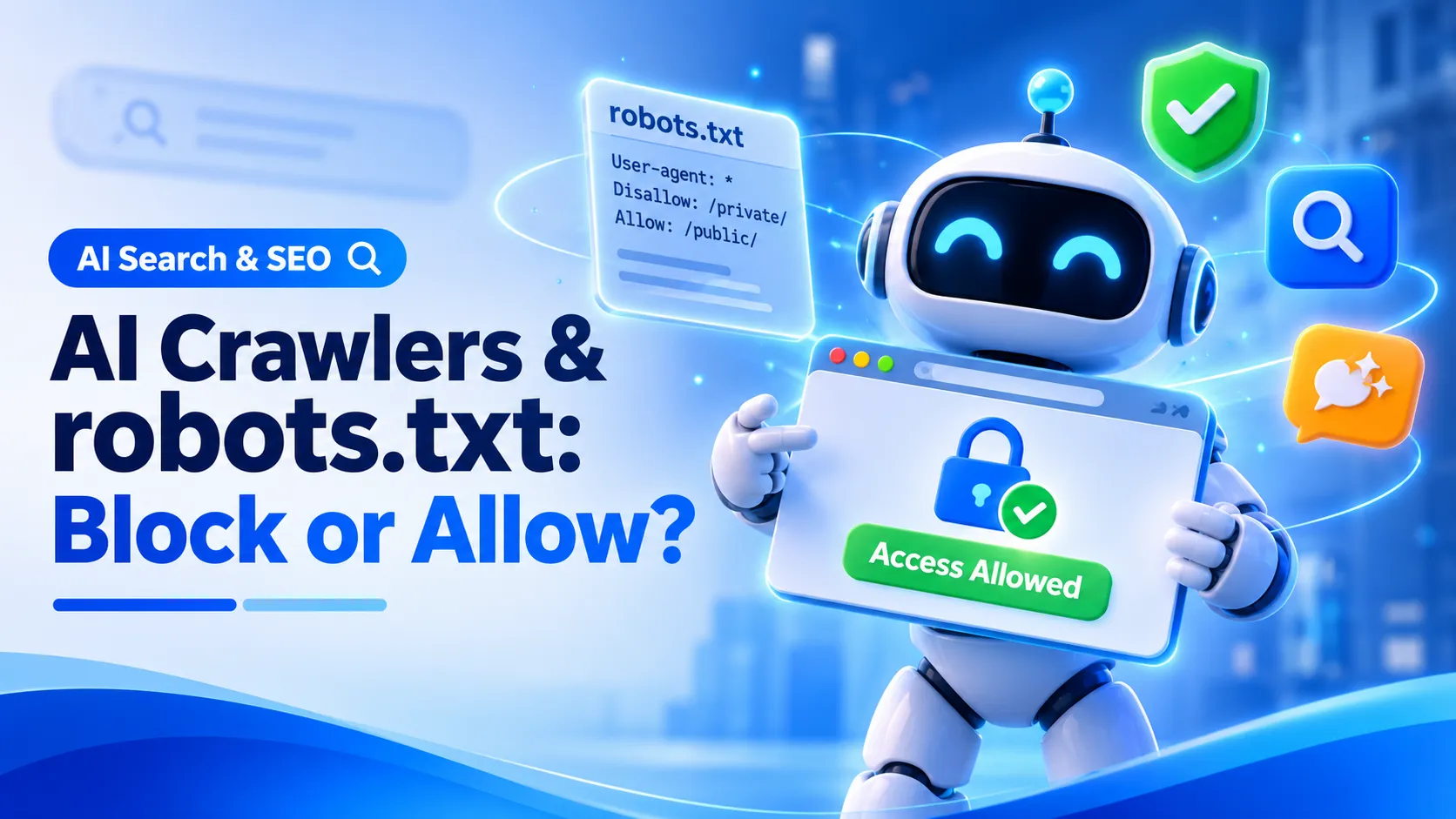
When someone asks ChatGPT for the best web design company in their city, will your website be part of the answer? That depends on a small text file most business owners never open: your robots.txt. Get it wrong, and AI assistants simply skip you.
In this guide, we'll explain how AI crawlers work, whether you should block or allow them, and where llms.txt fits in. It's a practical part of AI search engine optimization, and it takes less than an hour to fix.
What Are AI Crawlers and Why Do They Matter?
AI crawlers are bots that read web pages for AI tools like ChatGPT, Claude and Perplexity. Just like Googlebot, they visit your site, but what they do with your content is different. They fall into three groups:
- Training bots - collect content to improve future AI models (GPTBot, ClaudeBot, CCBot). No traffic comes back to you.
- Search bots - fetch pages so AI tools can find and cite your business (OAI-SearchBot, PerplexityBot). These can send you visitors.
- Agent bots - open a page because a user asked an AI assistant to look at it (ChatGPT-User, Claude-User).
Blocking one group doesn't block the others. For example, blocking GPTBot does not remove your site from ChatGPT search, because that runs on a separate crawler.
Should You Block or Allow the ChatGPT Crawler?
For most business websites, allow the search and agent bots. If your site exists to win customers, being quoted in an AI answer works like free distribution, and if your competitors allow the bots while you block them, the answer gets built without you. Whether to allow the training bots is your call, depending on how you feel about your content being used to train models.
| Crawler | What It Does | Our Advice |
|---|---|---|
| GPTBot | OpenAI training data | Your choice |
| OAI-SearchBot | Finds pages for ChatGPT search | Allow |
| ChatGPT-User | Opens pages when a user asks | Allow |
| ClaudeBot | Anthropic training data | Your choice |
| PerplexityBot | Powers Perplexity answers and citations | Allow |
| Googlebot | Google Search and AI Overviews | Always allow |
Blocking makes sense for paywalled content, original research you sell, and private areas like client portals or admin pages.
How to Control AI Crawlers with robots.txt
Your robots.txt file sits at yourdomain.com/robots.txt and tells each bot what it may visit. Here's a simple setup that allows AI search but blocks training:
# Allow AI search and user requests User-agent: OAI-SearchBot Allow: / User-agent: ChatGPT-User Allow: / User-agent: PerplexityBot Allow: / # Block training crawlers User-agent: GPTBot Disallow: / User-agent: ClaudeBot Disallow: / Sitemap: https://www.yourdomain.com/sitemap.xmlTwo quick rules prevent most mistakes. A bot with its own group follows that group, not the general User-agent: * rule. And never add Disallow: / under User-agent: * unless you want to block every bot, including Google. Remember too that robots.txt is a request, not a lock, so well-behaved bots follow it but it can't stop one that ignores it. If you'd rather not write it by hand, try our free Robots.txt Generator.
Does llms.txt Matter for AI Search Engine Optimization?
llms.txt is a proposed file that gives AI systems a short guide to your most important pages. Unlike robots.txt, it controls nothing. It only describes. In May 2026, Google published its first official guide to generative AI search, and it says you don't need llms.txt or any special AI files to appear in AI Overviews or AI Mode. There's also little public evidence that major AI crawlers rely on it.
So treat it as an optional extra. If you add one, list your 8 to 15 best pages and keep it updated. The real work is still the basics we cover in our guide on GEO vs SEO vs AEO: fast pages, clear content and a crawlable site.
Check Your CDN Settings Too
If you use Cloudflare, its settings can override your robots.txt. Since 15 September 2026, Cloudflare blocks Training and Agent crawlers by default on pages with ads for new sites and free-tier accounts. Because some crawlers do several jobs at once, blocking training can accidentally catch crawlers your Google rankings depend on. Save an explicit choice for each category in your dashboard and keep Googlebot allowed.
Frequently Asked Questions
Should I block GPTBot?
For most businesses, no. GPTBot collects training data, so blocking it is about content use, not visibility. If you want to opt out of training but stay in ChatGPT search, block GPTBot and leave OAI-SearchBot allowed.
Do AI crawlers respect robots.txt?
Most named crawlers from established AI companies say they do. Unknown scrapers may not, and user-triggered fetches like ChatGPT-User can behave differently. For a hard block, you need server or firewall rules.
Do I need llms.txt for my website?
No. Google says its Search doesn't use it. It's a harmless, low-cost extra if you can keep it up to date, but it won't improve your rankings on its own.
Will allowing AI crawlers hurt my Google rankings?
No. Googlebot, which drives your rankings, is separate from GPTBot, ClaudeBot and PerplexityBot. Allowing AI search bots won't change your standard Google results.
How WebComforts Helps with AI Search Visibility
Not sure what your robots.txt or CDN is doing right now? Run our free Site Audit Tool. It checks your robots.txt, looks for an llms.txt file and flags crawl issues in minutes. If you'd like an expert to fix them, our SEO services cover technical SEO, AI search visibility and content, and our Web Hosting setup keeps your server configuration clean from day one.
Final Thoughts
Allow the bots that search and cite, choose on training based on your content, and review your settings every quarter. The biggest risk isn't a wrong choice. It's letting a forgotten robots.txt line or CDN default decide for you. Fix the access first, because no amount of AI search engine optimization works if the bots can't reach your pages.